
Get matched with the right deck for your home
Answer a few questions about your project and style, and we’ll match you with the right TimberTech decking, railing, and lighting, and explain why each one fits. The quiz takes about 3 minutes. No salesperson, no commitment.
How it works

Answer a few quick questions
Tell us about your style, your budget, and how you plan to use your outdoor space.

Get your personalized match
We’ll recommend decking, railing, and lighting for your project, plus a couple of alternatives to compare.

See it on your own home
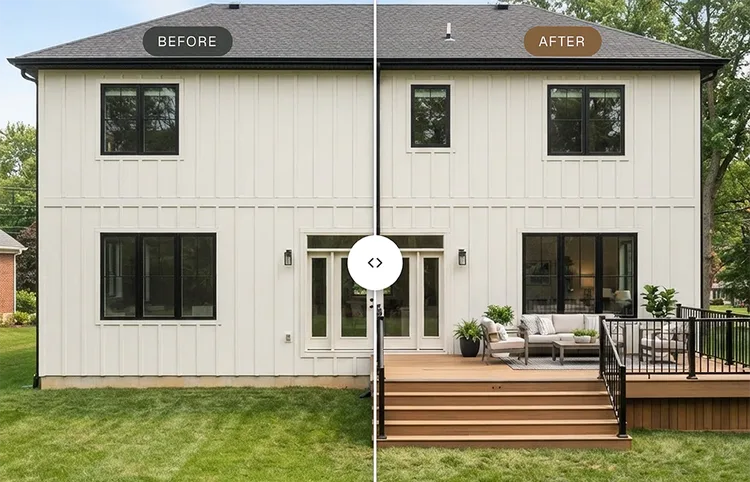
Upload a photo of your backyard to see your recommended design come to life with our visualizer.

The right match — and clear next steps
We factor in how you’ll use your outdoor space, the look you’re drawn to, and what you’re comfortable spending, then recommend the TimberTech decking, railing, and lighting that fits your project, and explain why it’s a match for you. Once you have your match, we’ll guide you to the best next step for where you are in your project.
See it before you build it
Upload a photo of your backyard to see how your recommended TimberTech design could look on your home. Compare collections, colors, and railing options to explore the look that fits your space best.
Not ready for the quiz yet?
Whether you want to learn more about TimberTech decking first, talk through your project with a real person, or just browse for inspiration, here are a few other ways to get started.
New to TimberTech? Start here
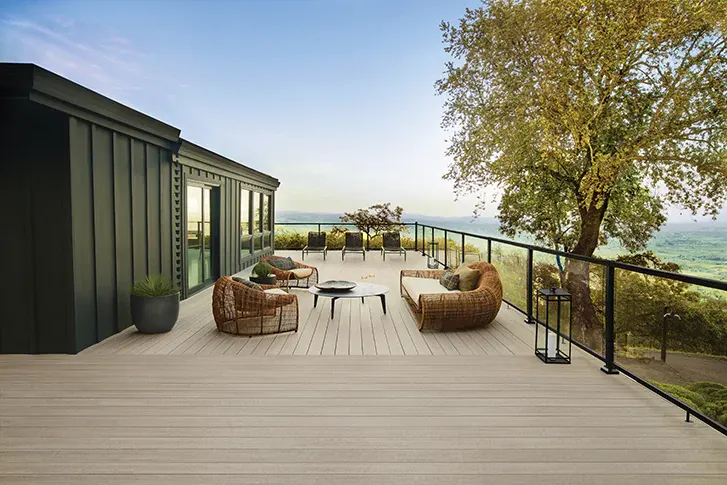
See how TimberTech's engineered decking compares to traditional wood — real wood beauty without the upkeep, backed by industry-leading warranties and built to resist the sun, moisture, and wear that wood can't.
Prefer to talk it through with someone?
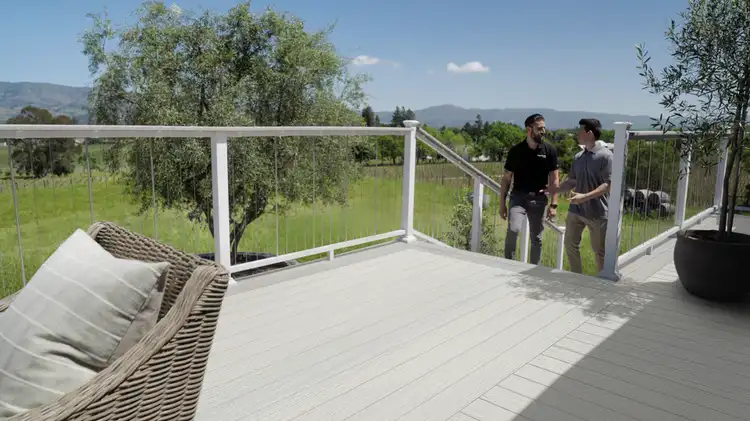
Get complimentary, one-on-one guidance from a Deck Concierge — no pressure, no commitment to buy. They'll help you choose the right material, plan your budget, and even match you with a TimberTech contractor.
Just want to browse for now?
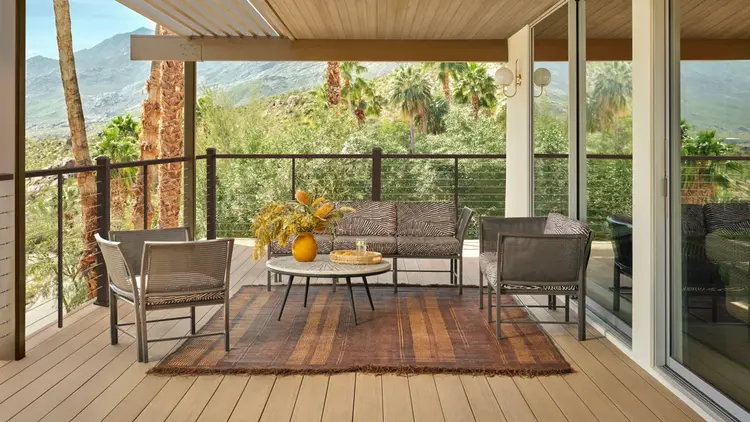
Explore real TimberTech deck projects for ideas on style, color, and layout, then come back for your personalized match when you’re ready.
FAQ
What is the TimberTech Deck Quiz and Visualizer?
The TimberTech Deck Visualizer is an AI-powered tool that lets you upload a photo of your home and see a recommended TimberTech decking collection on your own deck. You can judge the real wood look of TimberTech decking against your siding, trim, and roof before you talk to a contractor or pick a color. Start with the TimberTech decking quiz to get your collection match.